WhatsApp connection
MasterAgent connects to an existing WhatsApp number, exactly like WhatsApp Web. No number change, no migration: you keep your history and your contacts.
Two connection methods
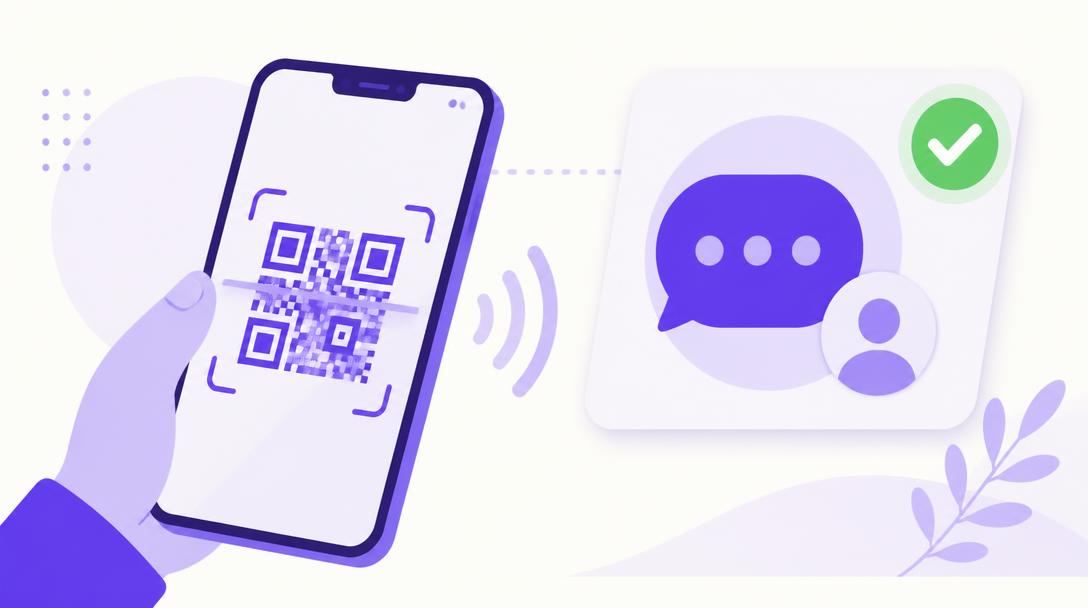
- QR code: display the code on screen and scan it from WhatsApp, Linked devices menu.
- Pairing code: enter your number, then type the eight-digit code straight into WhatsApp. Handy when you only have one screen.
The QR code is valid for one minute and refreshes automatically. Until the connection is completed, the account stays in the pending state.
Connected account details
As soon as the connection succeeds, MasterAgent fetches the WhatsApp profile name, picture and phone number and shows them on the account card. You always know which number is answering your customers.
Possible states
- Pending: the QR or pairing code has not been validated yet.
- Connected: incoming and outgoing messages flow normally.
- Disconnected: the session dropped, use Reconnect to restore it.
- Expired: the connection was not completed in time, start again.
Reconnect or delete an account
Each account card offers Reconnect, which reopens a session with the same credentials, and Delete, which disconnects the number and wipes the session credentials. Conversation history stays available after deletion.
Avoid unsolicited bulk sending. WhatsApp may restrict a number independently of MasterAgent, and that decision is outside our platform's control.